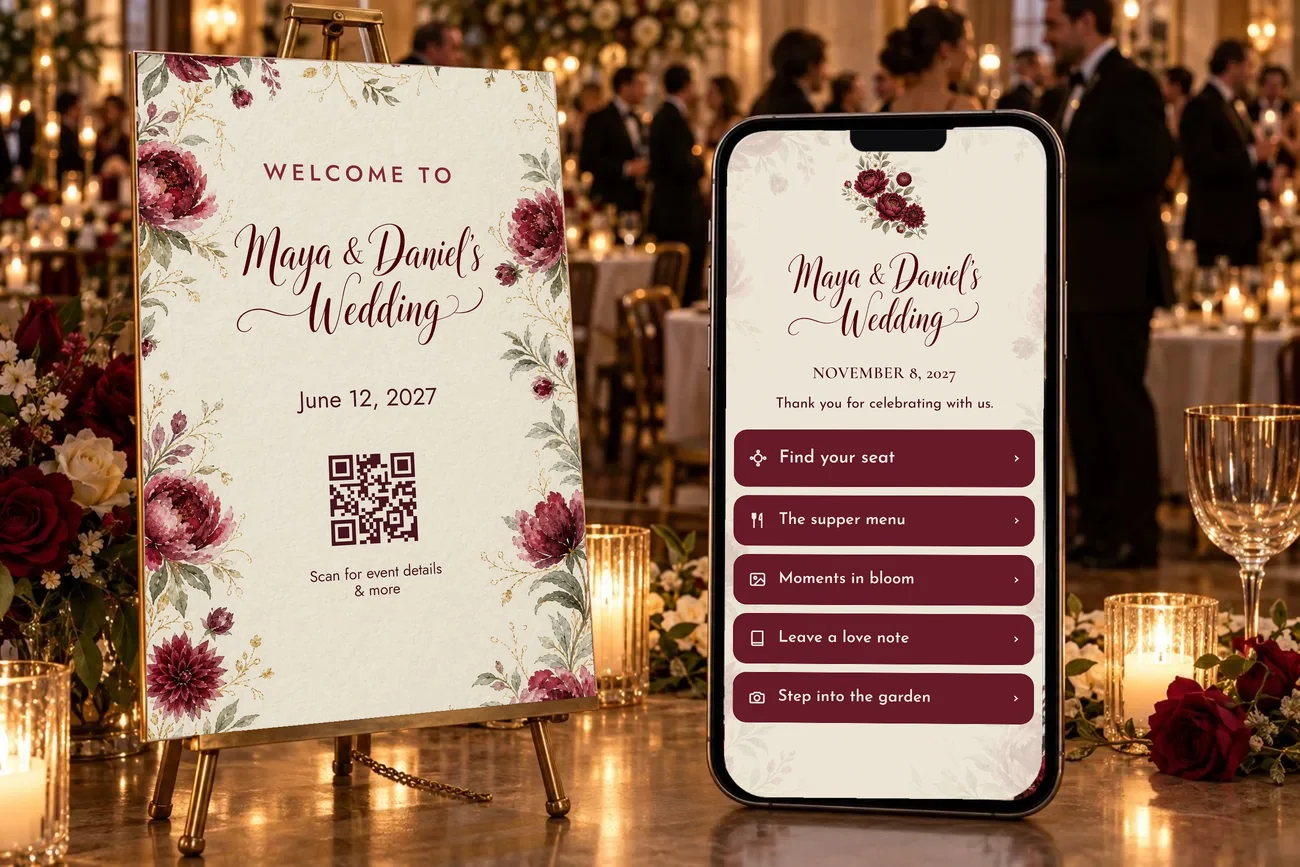
A QR code guest experience for your event
Give your guests a warmer welcome.
One scan opens your seating chart, menu, photo wall and guestbook. Nothing for guests to download or log in to.
Free to build and preview. Pay once per event when you publish. See pricing
- No app to download
- No guest login
- Edit seating and menus up to the last minute
- You approve every photo, or let them flow
The guest journey
From the welcome sign to the last dance.
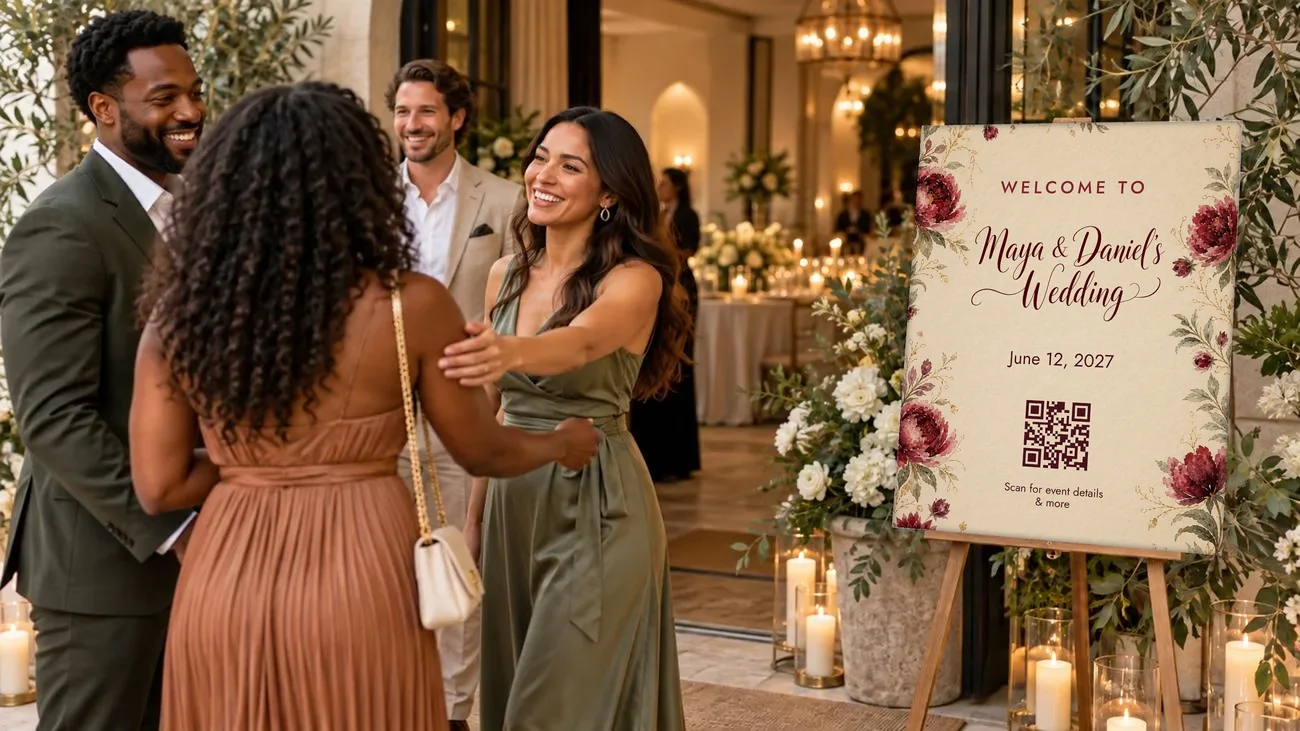
Follow Maya and Daniel’s wedding, one scan at a time.
- Scan the sign: A guest scans the QR code on the welcome sign at the door with their phone camera.
- Find your seat: They type their name and see “Welcome, Grandma Rose · Table 7”, with table 7 marked on the floor plan.
- See the menu: The menu lists every dish with dietary labels: vegetarian, gluten-free, dairy-free, contains nuts.
- Add to the photo wall: Photos and videos from everyone's phones fill the shared photo wall.
- Leave a message: They record a short video message for the couple, and it's sent to the guestbook.
- Strike a pose: In the photo booth on their phone, a 3, 2, 1 countdown, a flash, and a framed print with “Maya & Daniel” on it goes up on the photo wall.
Find your inspiration
A look for every gathering.
Open any theme’s live demo as a guest, then make it yours.
- Wedding
Burgundy Bloom
View live demo : Burgundy Bloom (opens in a new tab) - Mitzvah
Disco Era
View live demo : Disco Era (opens in a new tab) - Gala
First Light Gala
View live demo : First Light Gala (opens in a new tab) - Wedding
Garden Vows
View live demo : Garden Vows (opens in a new tab) - Wedding
Coastal Romance Blue
View live demo : Coastal Romance Blue (opens in a new tab)
Made for meaningful gatherings
Your celebration, your style.
From your logo to the colors on the guest page, everything takes its look from your invitation.
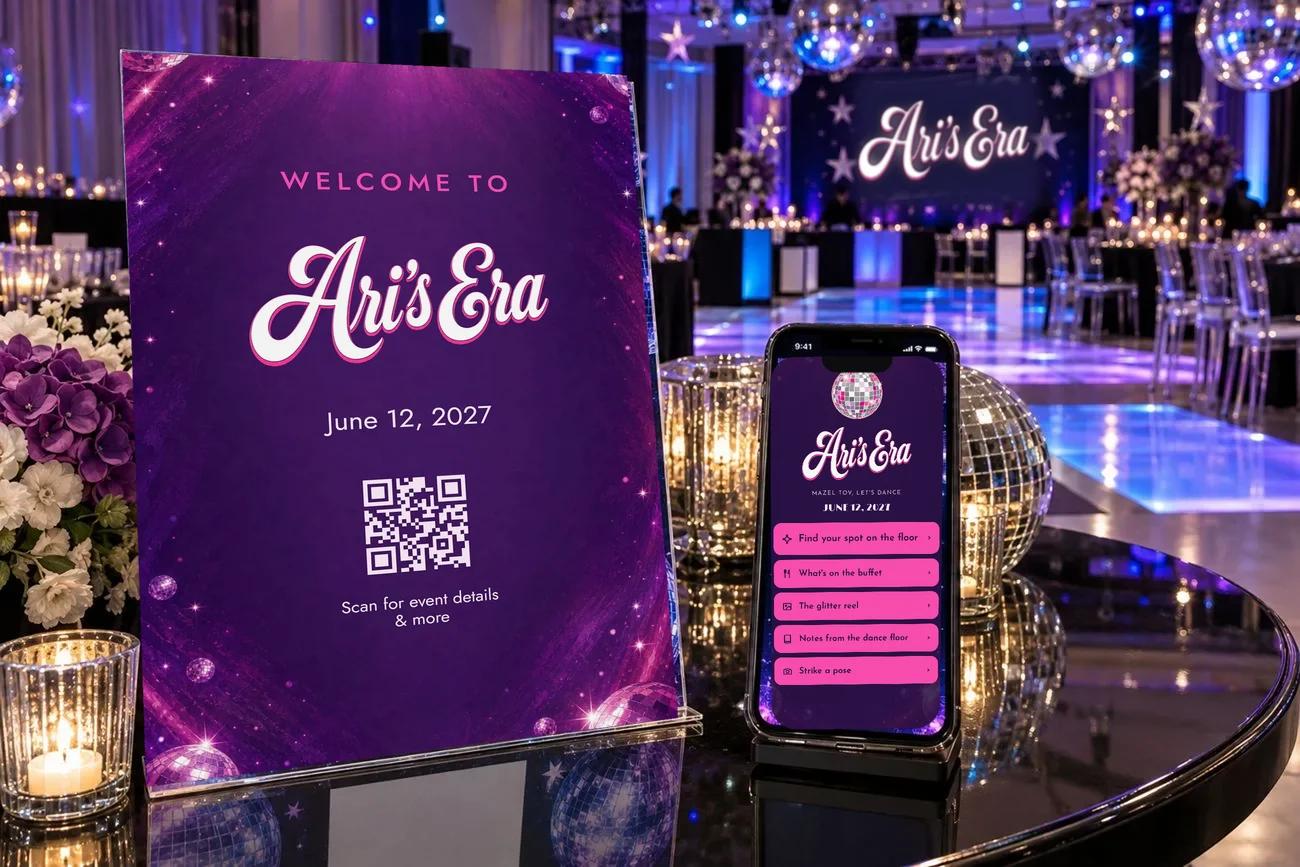
Bar & bat mitzvahs
Their moment to shine.
Carry a one-of-a-kind event identity from the sign to the guest page.
Explore mitzvahs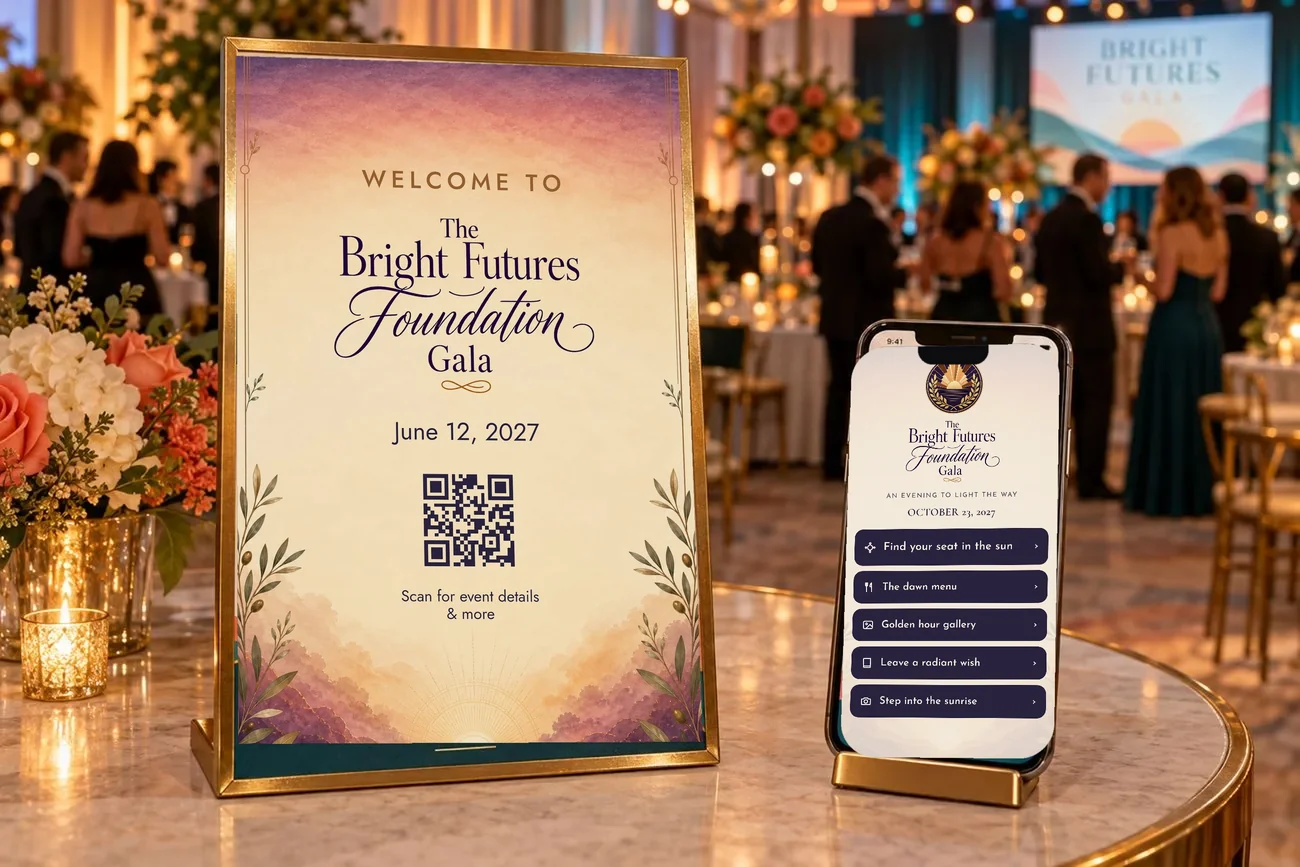
Galas & fundraisers
Bring your community together.
Help supporters settle in and connect with your cause.
Explore galasAlso for seated corporate events, milestone birthdays and reunions. Seating is optional.
Why it matters
A little less figuring out. A lot more being there.
Make the details easy, so everyone can settle in and enjoy being together.

Arrive with confidence.
Guests find their table or section without the guesswork.
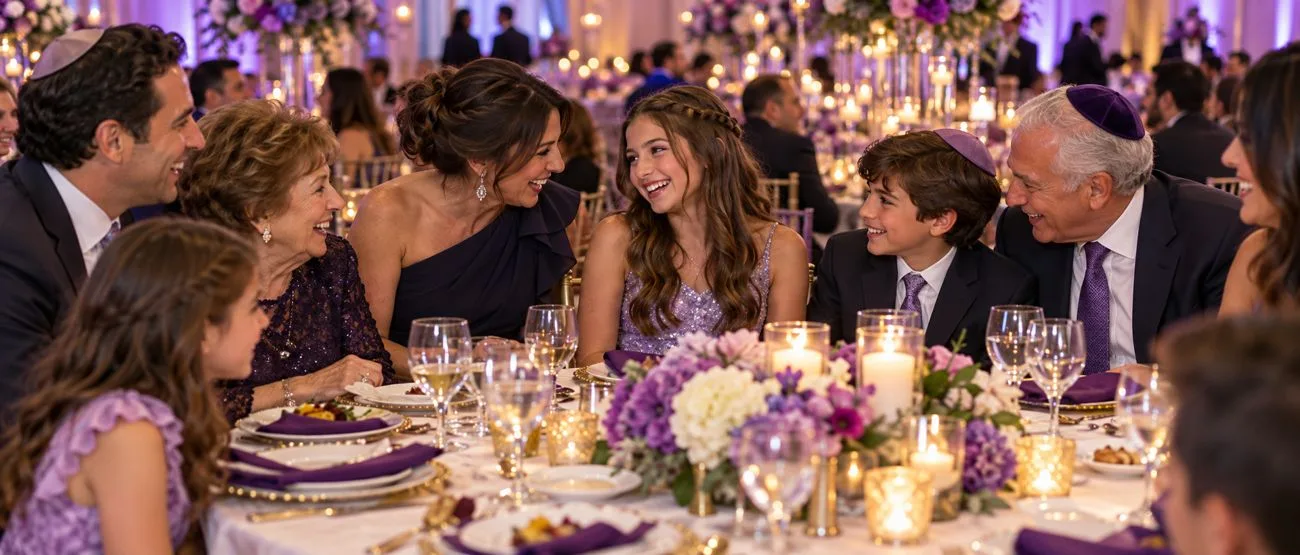
More time together.
With the details close at hand, guests spend less time searching and more time celebrating.

Keep the moments.
Photos, videos and messages from every guest, in one place for after the event.
What guests get
Everything they need, one scan away.
Find my seat
Search by name, see the table or section.
Explore : Find my seatFloor plan
Their table outlined on a map, when you add a plan.
Menu
Every course, with dietary labels.
Photo & video wall
Every phone in the room, one shared gallery.
Explore : Photo & video wallGuestbook
Written notes and video messages.
Explore : GuestbookPhoto booth
A framed photo on each guest’s phone.
Explore : Photo boothYour story
A cause, a schedule or a note to guests.
Matching prints
Signs, QR cards and table numbers in your look.
Slideshow
Event moments on a shared screen.
AI photo filters
A fun surprise for guests. Love sci-fi? Planning a Paris-themed mitzvah? Guests step into the look. You choose whether to turn them on.
One look, in the room and on the phone
Signs and cards that match.
Your welcome sign, QR cards and table numbers are painted in the same look as your guest page, and the QR code never changes if you reprint.
Shop by theme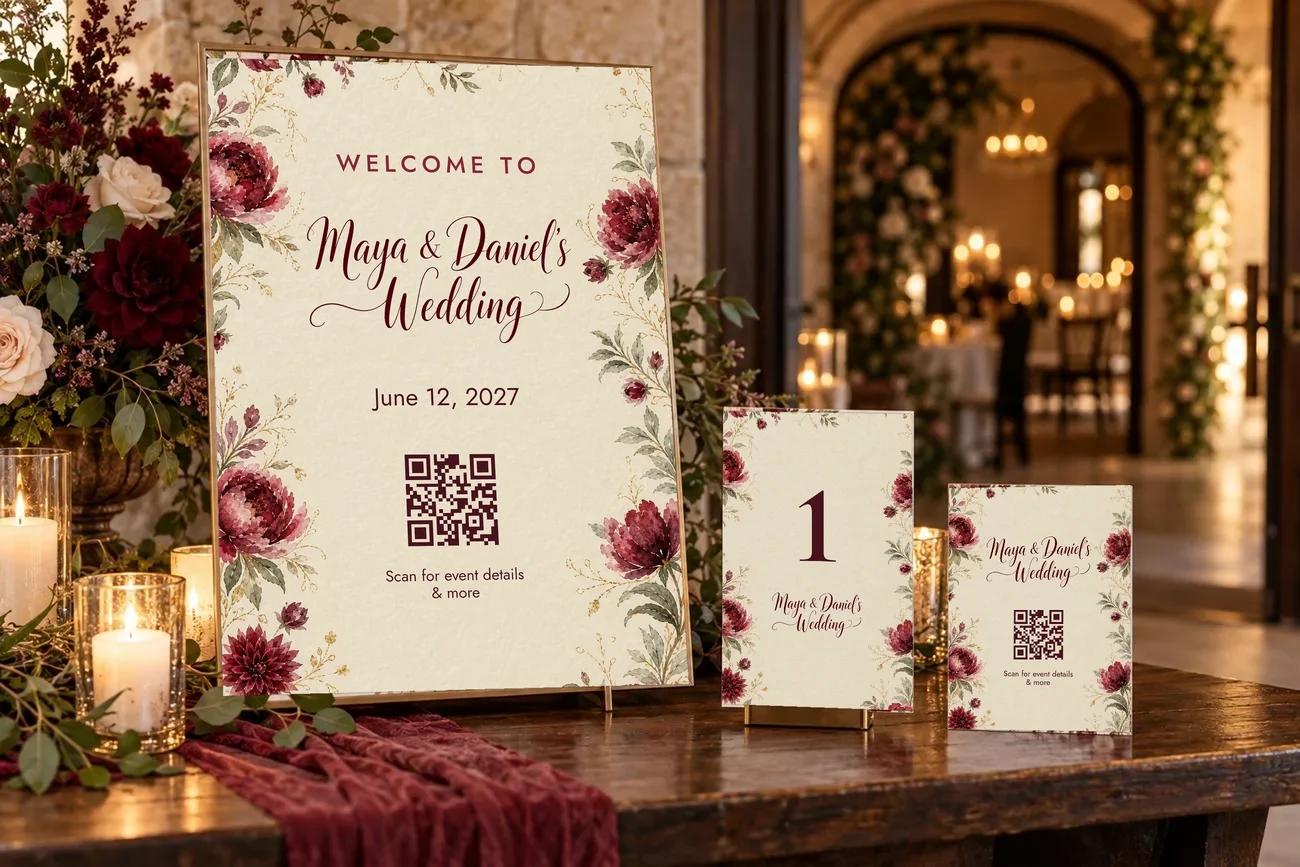
How it works
Simple to set up. Easy to use.
Set the scene
Add your event details and your invitation or logo. Add your guest list and seating if you have them.
Share one QR code
Put it on a welcome sign, QR cards or table cards. Guests scan with their phones.
Let the night unfold
Change a table or a menu anytime. The code stays the same.
For hosts
Thoughtfully planned. Still flexible.
Make it yours
Choose the details and features that fit your event.
Stay in control
Approve photos first, or let them flow. Remove anything with one tap.
Take it with you
Download every photo, video and message afterward.
Every guest feels expected.
Build your guest page free, preview it as a guest, and publish when you’re ready.
Start building free