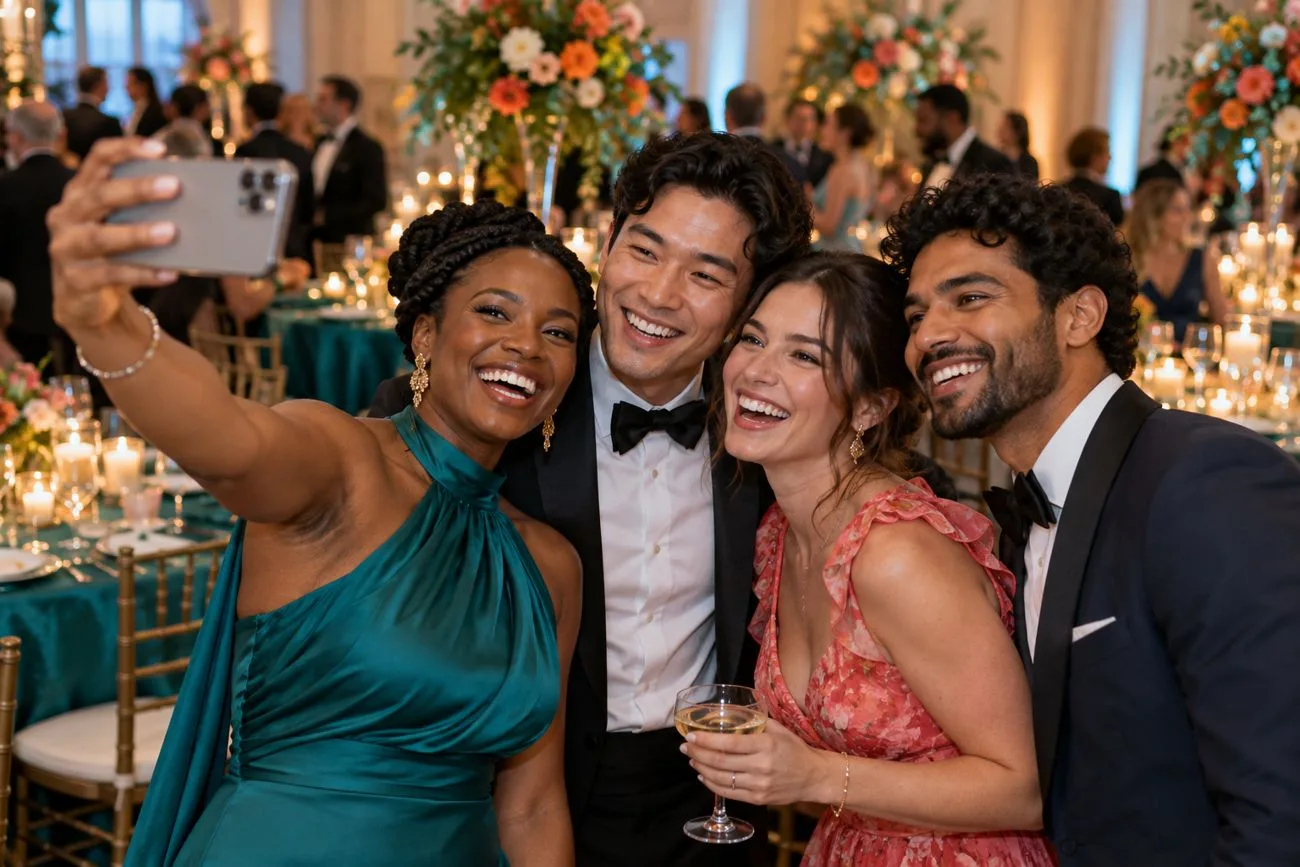
A countdown and a flash
A 3, 2, 1 gets everyone in the shot, and the photo comes out framed with your event's name and colors.
Photo booth
Guests scan one QR code and step into a photo booth on their own phone: a countdown, a flash, and a print framed in your event's colors, ready for the photo wall.
No app to download · No login · Nothing to rent
For guests
A 3, 2, 1 gets everyone in the shot, and the photo comes out framed with your event's name and colors.
Love sci-fi? Planning a Paris-themed mitzvah? Guests can step into the look. You choose whether to offer filters at all. They stay off until you turn them on, and the classic photo is always there.
Swap the room behind them for a studio backdrop or one of yours, right on the phone.
With the photo wall on, booth photos join it next to everyone's own photos, and guests can show just the booth shots.
Download it or share it in a tap. Not their best angle? A retake replaces it.
For hosts
Frames, colors and wording follow your event's look. Set it all up by chatting with Welcomed.
Pick which AI photo filters to offer, write your own, or keep every photo classic. They are off by default.
Turn on "Ask for a grown-up's OK" and AI photo filters wait for a grown-up to approve them. Booth photos can also wait for your OK before the wall shows them.
Put an iPad or a spare phone on a stand, or hand it to a helper to roam the party. It keeps going on spotty Wi-Fi, and guests scan a code to get their photo.
Download every booth photo afterward, with the original behind each filtered photo.
No. They scan the QR code and the booth opens in their phone's browser, camera and all.
No. Every guest's phone is the booth. If you'd like one in the room too, an iPad or a spare phone on a stand works: ask us to turn it on for your event.
They are optional and off until you turn them on. When they are on, guests pick a filter, or let Welcomed surprise them with one, and their photo is restyled in a few seconds. You choose which filters to offer. The classic photo is always available, so no guest has to use a filter.
Turn on "Ask for a grown-up's OK before AI photo filters" when you set up the booth (Welcomed suggests it when you say kids will use it). You can also have booth photos wait for your approval before they reach the wall.
Yes. Download every booth photo afterward, including the original of each filtered photo. Your event stays up for 12 months after the date.
Build free. Pay once per event when you publish.
Start building free