Record in the browser
Guests record a video message of up to 60 seconds right on the page, or upload one they've already filmed.
Video guestbook
Guests scan one QR code and record a short video message or write a note, right from their phone. You keep every word.
No app to download · No login · Record right in the browser
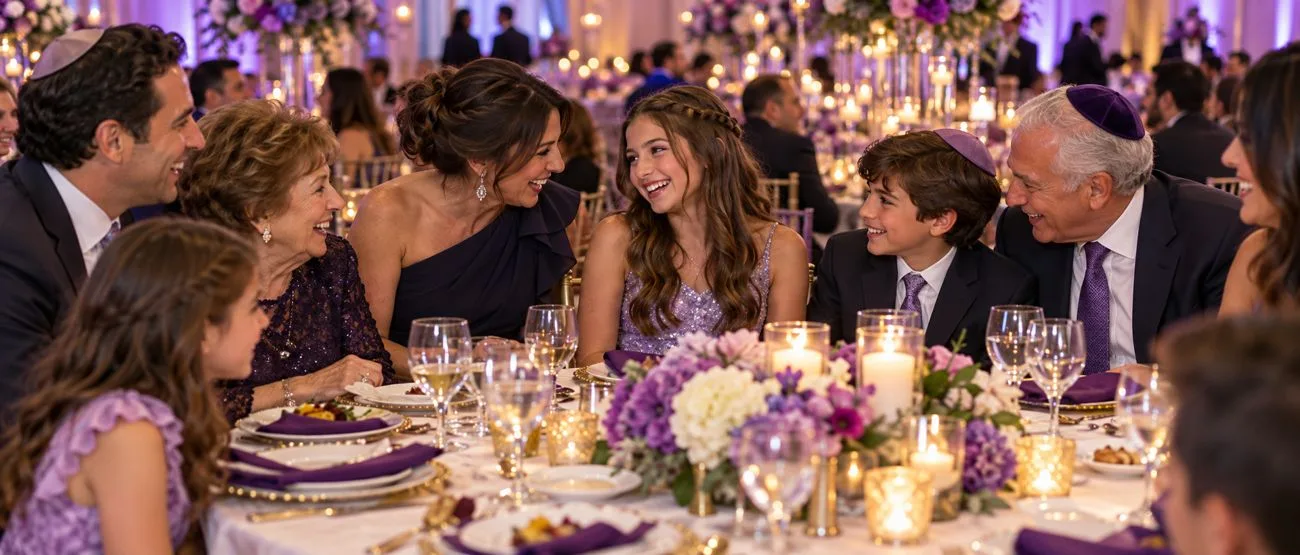
For guests
Guests record a video message of up to 60 seconds right on the page, or upload one they've already filmed.
A written message works just as well, for the guests who'd rather not be on camera.
Ask what you want to hear: advice for the couple, a favorite memory, a wish for the year ahead.
They scan, they record, they're back on the dance floor.
For hosts
Show messages to every guest, or keep them for you to watch later. Set written notes and videos separately.
Turn on approval and you see each video before anyone else does.
Hide or remove a message in one tap.
Download every video and note afterward, for an anniversary, a slideshow, or just because.
No. Recording happens right in the phone's browser after they scan the QR code.
Up to 60 seconds, which is plenty for a toast, a story or a piece of advice.
Only if you want them to. You can show messages to every guest or keep them just for you, and set that separately for written notes and videos.
Yes. Turn on approval and each video waits for you.
Yes. Download every video and written message when the event is over. Your event stays up for 12 months after the date.
Build free. Pay once per event when you publish.
Start building free