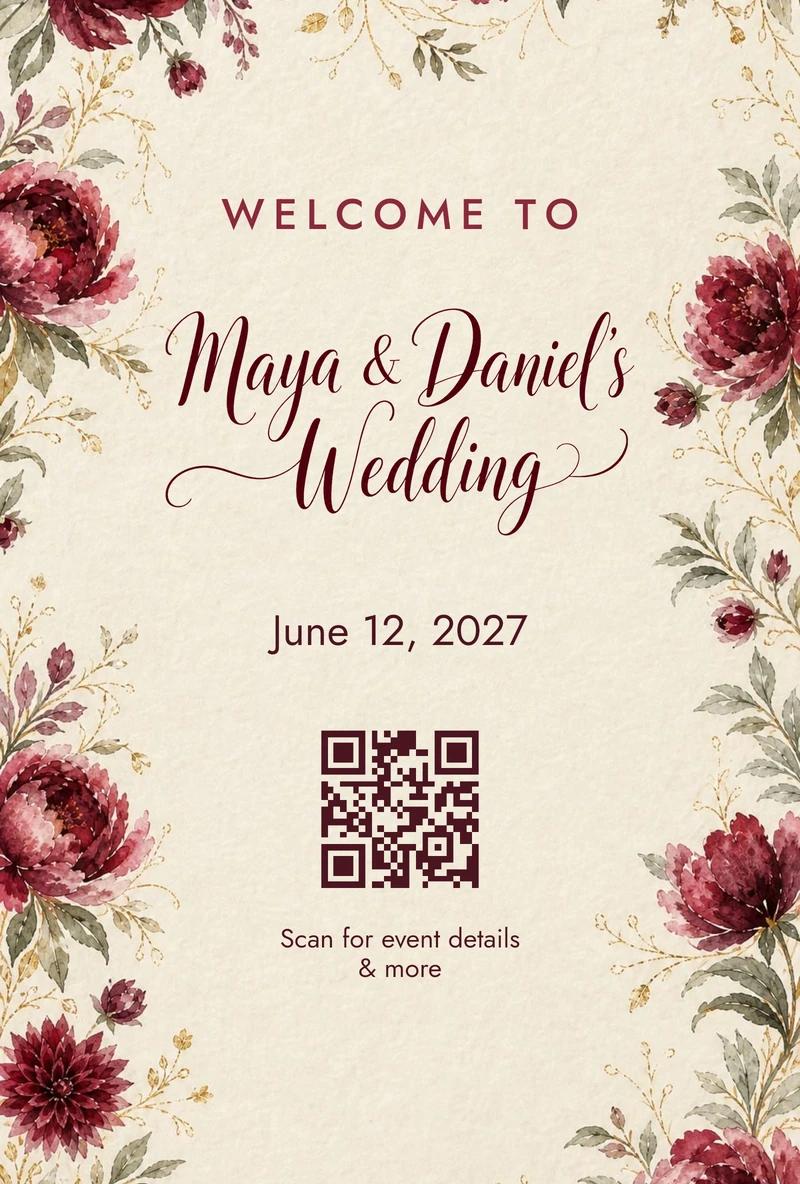
Guests scan one QR code, type their name and see their table, with a floor plan of the room to find it. Change seats up to the last minute, and the printed code keeps working.
No app to download · No login · Easy for every generation
WWelcomedOpen Maya & Daniel's wedding
Welcome to the wedding of
Maya & Daniel
Scan for your table, the menu & more
Maya & Daniel
Find your seat
Grandma Rose
Welcome, Grandma Rose
Your seat7
Dance floor12345678
Maya & Daniel
Dinner
Heirloom tomato saladVGFDF
Wild mushroom risottoVGF
Braised short ribGFDF
Almond olive oil cakeVNuts
V vegetarian · GF gluten-free · DF dairy-free
Maya & Daniel
Photo wall
2425262728293031 photos
▶ 0:08
+ Add photos & videos
Maya & Daniel
Guestbook
0:000:010:020:030:040:050:060:070:080:090:100:110:12Sent to the guestbook ✓
Maya & Daniel
Photo booth
321Maya & DanielOn the photo wall ✓
02 Find your seat
Scan the sign: A guest scans the QR code on the welcome sign at the door with their phone camera.
Find your seat: They type their name and see “Welcome, Grandma Rose · Table 7”, with table 7 marked on the floor plan.
See the menu: The menu lists every dish with dietary labels: vegetarian, gluten-free, dairy-free, contains nuts.
Add to the photo wall: Photos and videos from everyone's phones fill the shared photo wall.
Leave a message: They record a short video message for the couple, and it's sent to the guestbook.
Strike a pose: In the photo booth on their phone, a 3, 2, 1 countdown, a flash, and a framed print with “Maya & Daniel” on it goes up on the photo wall.
For guests
Their name, their table, the way there.
Type a name
First name, last name or a nickname. Small typos are fine.
See the table
A welcome with their name and their table, the moment they arrive.
Find it on the floor plan
Their table is outlined on a floor plan of the room. If you like, they can tap any table to see who's there.
See who's at the table
If you like, guests can see who they're sitting with.
Remembered on their phone
Their table stays on the welcome page, so they never have to look it up twice.
For hosts
A seating chart that's never out of date.
Import your guest list. Bring it in from a spreadsheet, then update it as RSVPs change.
Your floor plan, from a sketch. Snap a photo of your hand-drawn table map. Welcomed draws a clean floor plan in your colors, with every table where you put it.
Change anything, anytime. Move a guest at midnight or the morning of. Guests see it right away, and the printed code never changes.
Set it up by chatting. Drop in your guest list and seating chart and Welcomed builds the page with you.
Questions, answered.
Do guests need to download an app?
No. They scan the QR code with their phone's camera and type their name.
What if someone misspells their name?
Search tolerates small typos and matches first names, last names and nicknames you add.
What if I move someone at the last minute?
Change it and guests see the new table right away. The QR code you printed keeps working.
Can guests see who else is at their table?
Only if you turn that on.
Do we still need a printed seating chart?
That's up to you. Many hosts print just the QR code on a welcome sign and table cards.